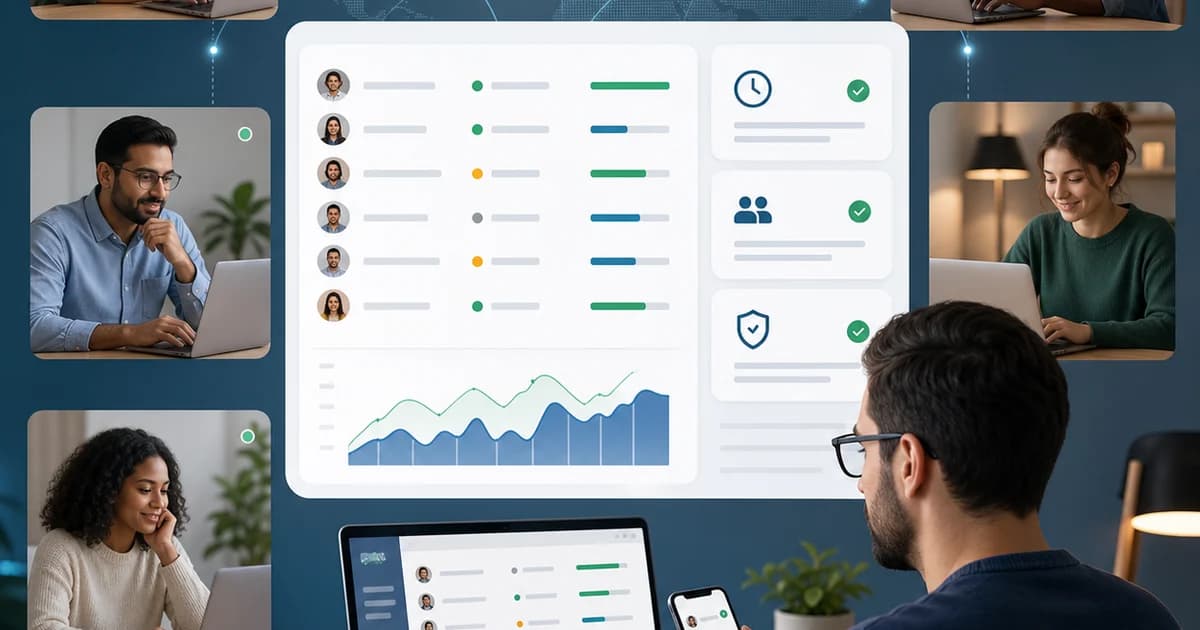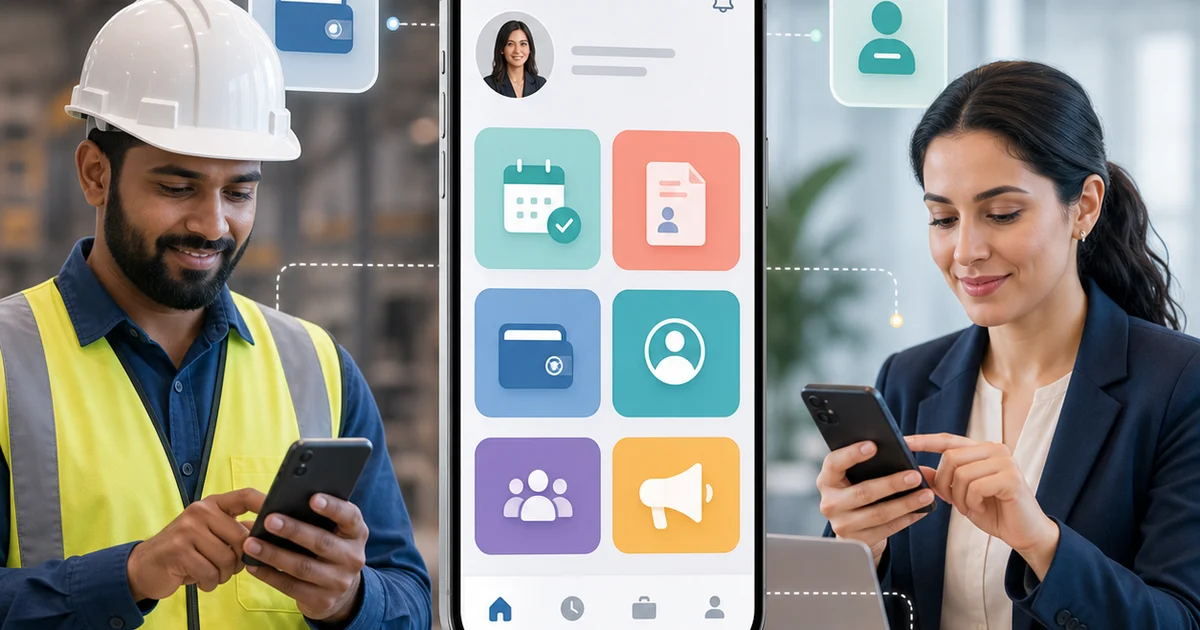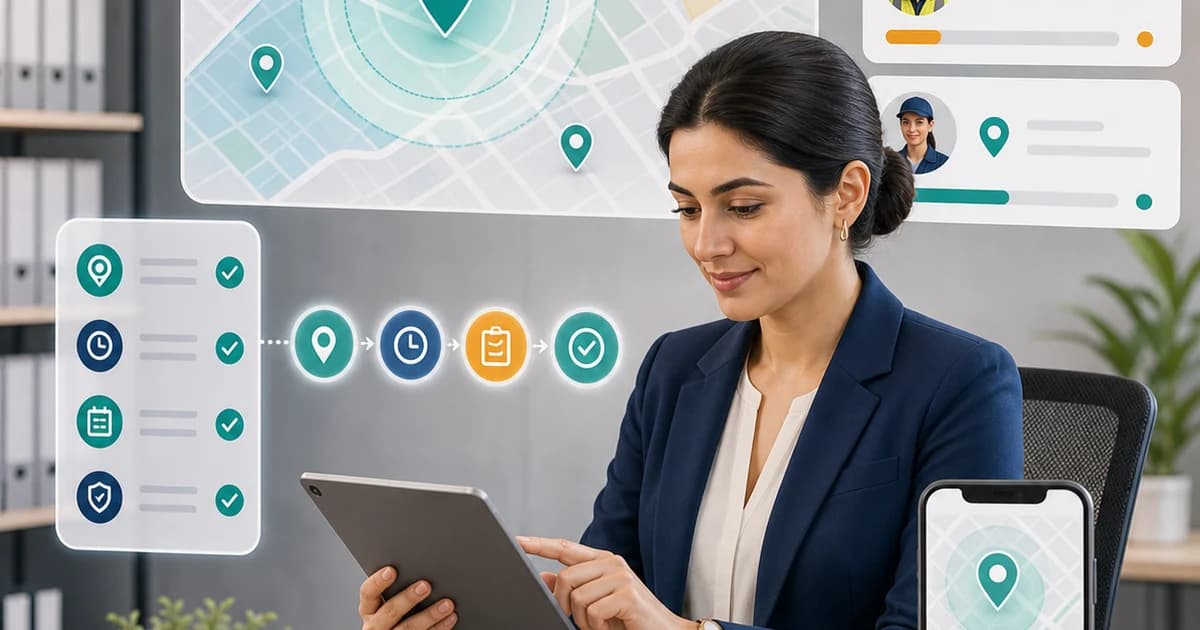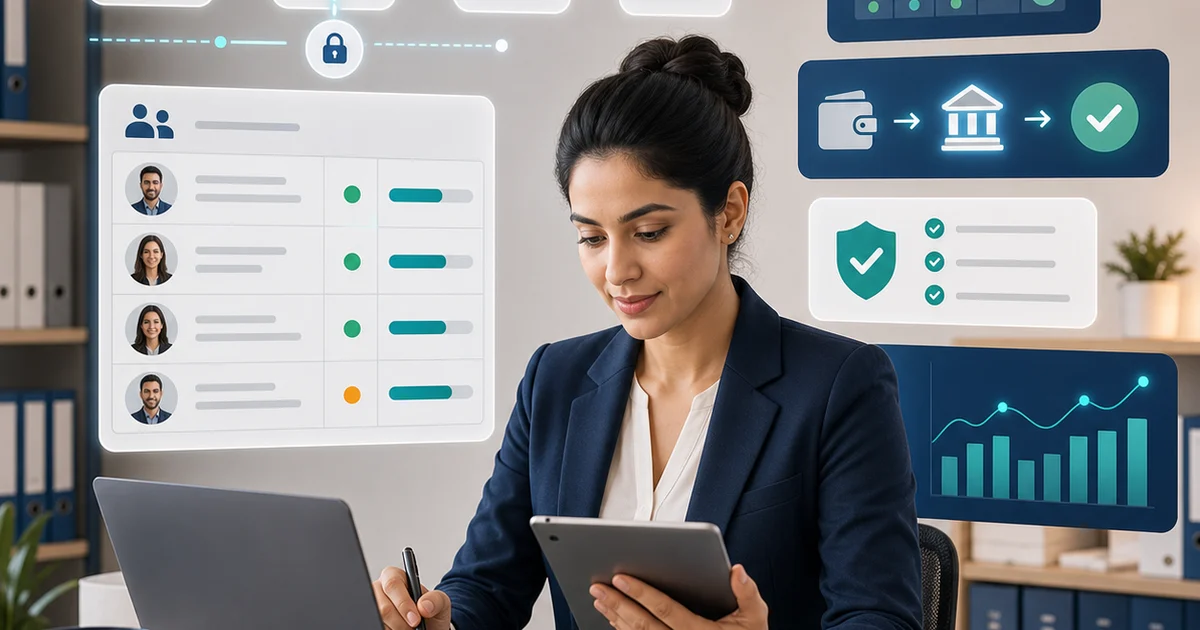
Field employees cannot always access a laptop or HR desk. Mobile HR gives them a direct way to clock in, request leave, receive announcements, upload documents, and complete tasks from the job site.
Last reviewed: 2026-05-31.
Quick Answer
A mobile HR app for field teams should support geo-fenced attendance, leave requests, payslip access, document upload, HR requests, announcements, task checklists, manager approvals, and secure employee self-service.
High-Value Mobile Workflows
Start with the workflows employees use most:
- Clock in and clock out
- Submit leave and view balances
- Upload required documents
- Read company announcements
- Submit HR service requests
- View payslips or salary documents
Manager Mobile Workflows
Managers should approve leave, review attendance exceptions, see team schedules, respond to requests, and check missing documents from mobile. This prevents approvals from waiting until a manager returns to a desk.
Adoption Tips
Keep the app simple. Employees should not need training to complete basic tasks. Use clear buttons, local time zones, helpful error messages, and notifications that are useful rather than noisy.
Security Basics
Mobile HR should use secure login, role-based permissions, encrypted connections, and device-aware controls. Lost phones should not expose payroll or document records.
Implementation Checklist
- Prioritize attendance, leave, documents, and requests.
- Test mobile workflows in real field conditions.
- Train managers to approve from mobile.
- Use notifications for time-sensitive actions only.
- Review adoption by team and location after launch.
How UnivoCorp Helps
UnivoCorp helps teams apply this guidance by centralizing employee records, attendance, leave, payroll, documents, approvals, analytics, and company-level settings in one HR platform. Use this article as a planning guide, then configure the workflow to match your company structure, operating country, and approval policy.
Ready to simplify this process? Book a UnivoCorp demo to see the workflow in action.
Frequently Asked Questions
Why do field teams need a mobile HR app?
Field teams need mobile HR because they often work away from desks and still need to complete attendance, leave, document, and request workflows on time.
Can mobile HR improve payroll accuracy?
Yes. Mobile attendance and approved exceptions can reduce missing timesheets, late approvals, and manual payroll corrections.